




















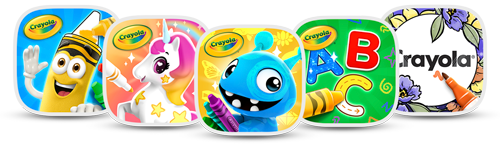
Crayola's family of apps.
For your family.
One subscription with award-winning favorites and unlimited ways to create, learn & play.
Be First to Know!

The Crayola Creativity Bundle is coming soon! Sign up to be notified when five Crayola apps become available in one subscription for the whole family.
Get Notified

7-Day Free Trial | Save Over 60%




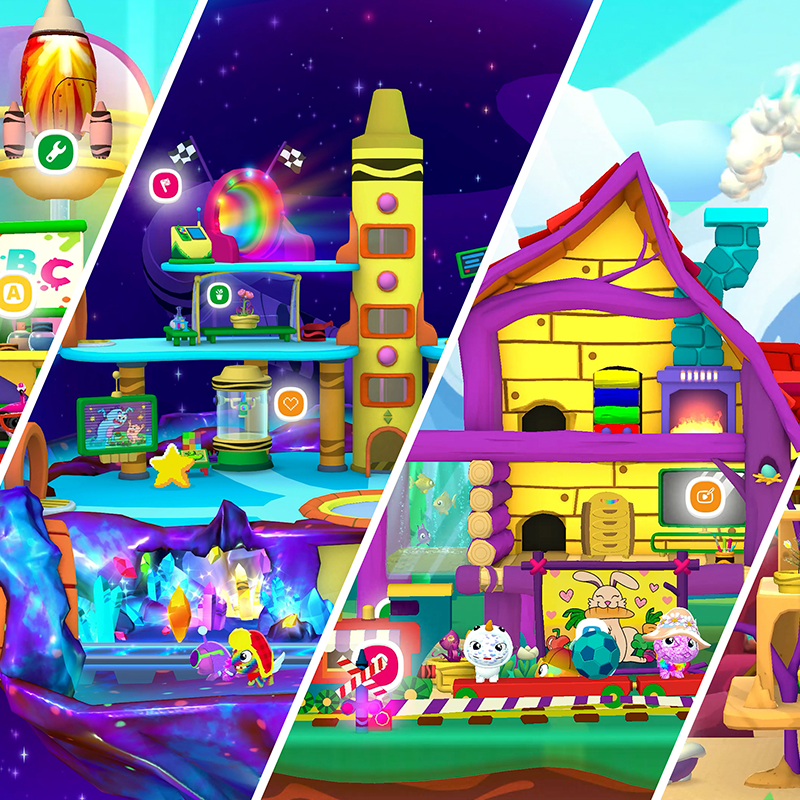
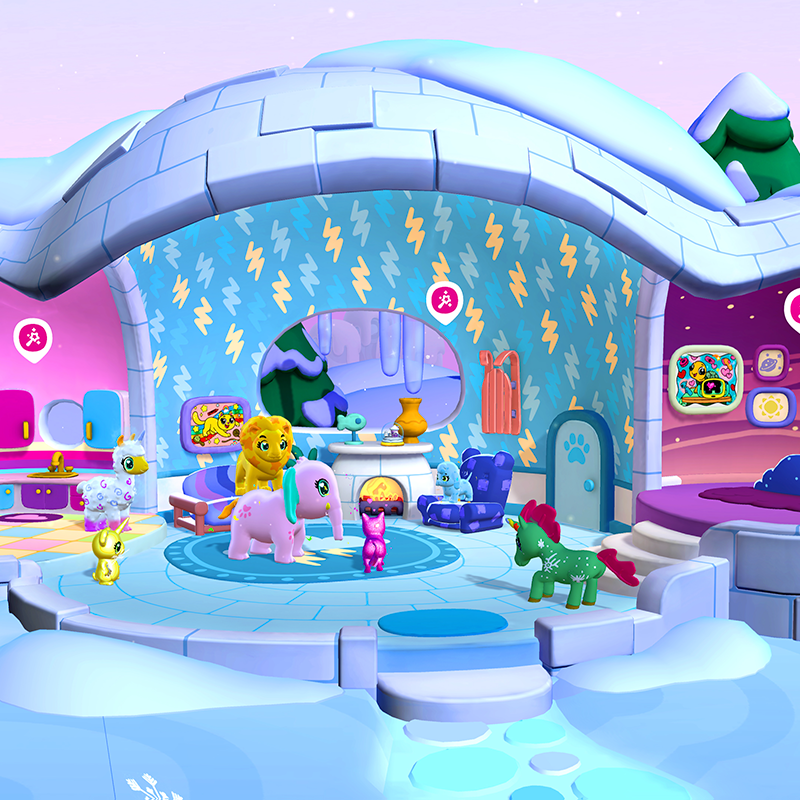
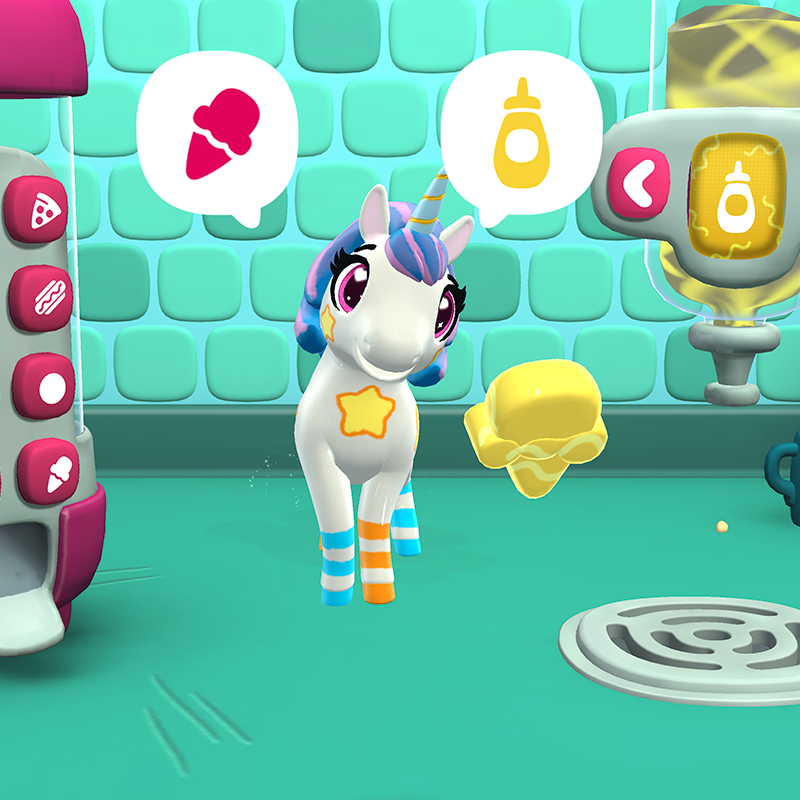
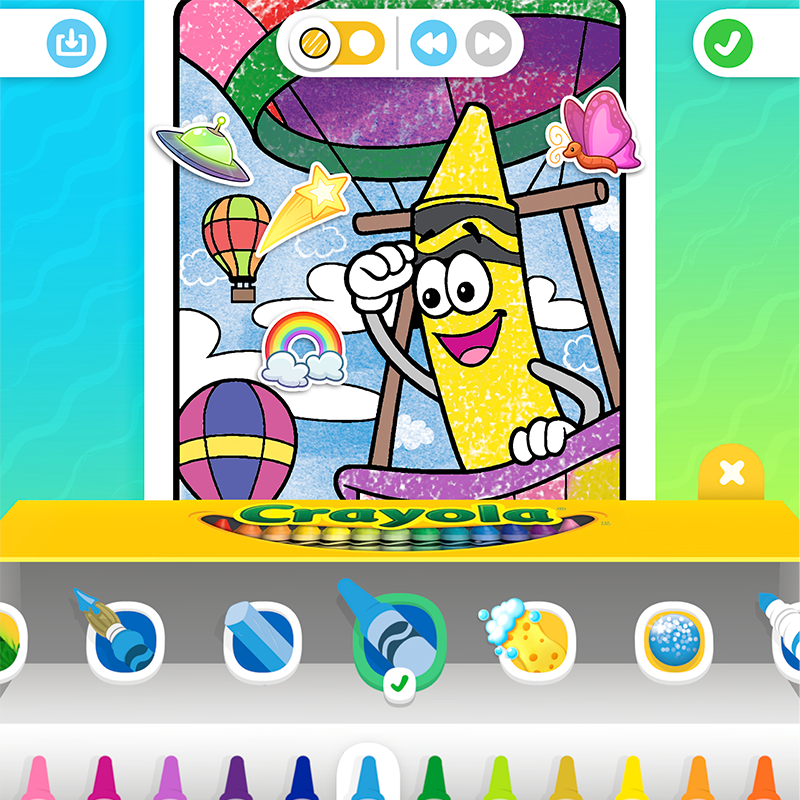
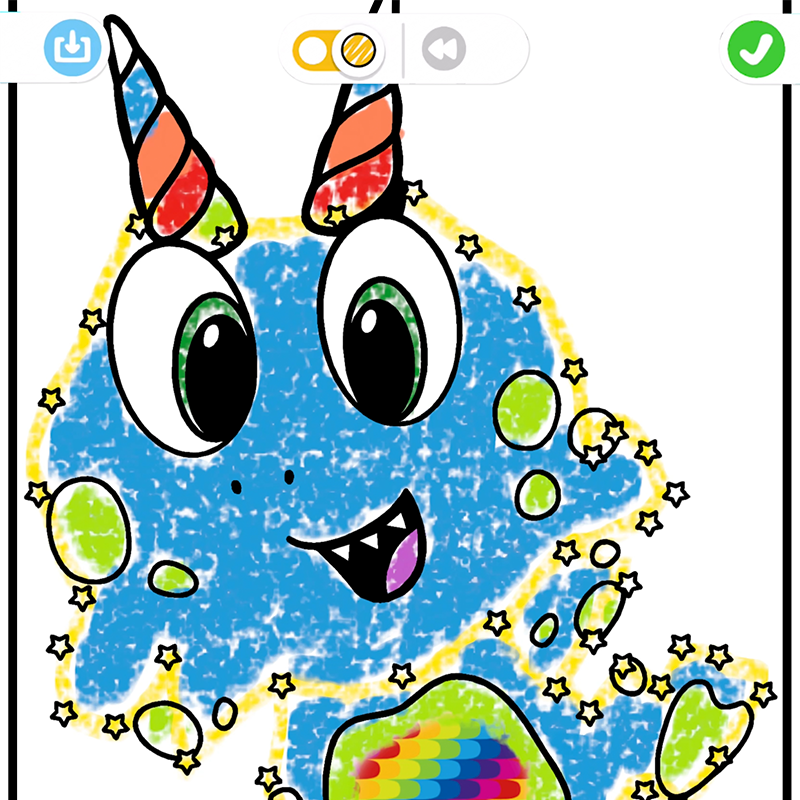
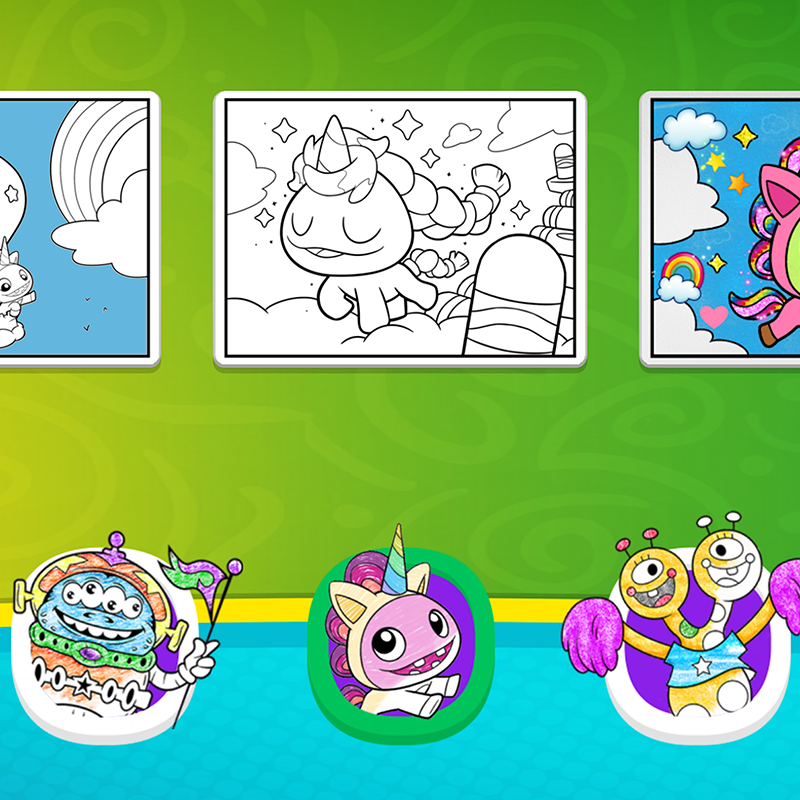

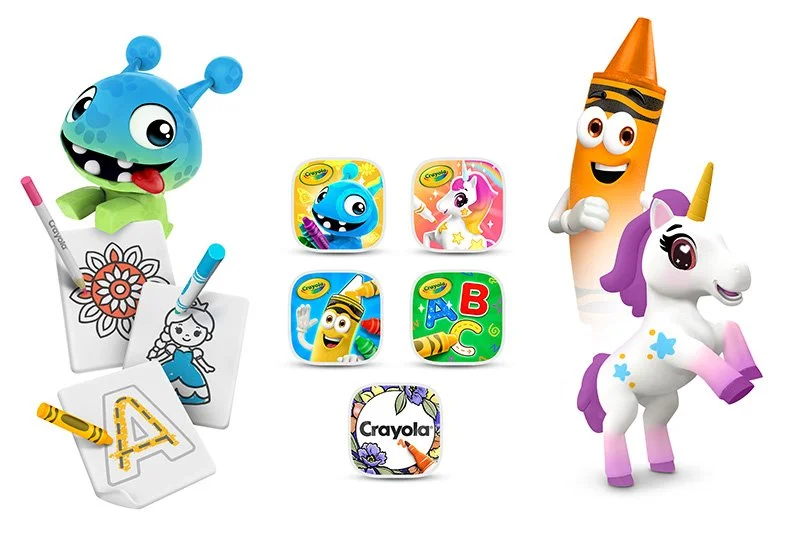
5 Crayola Apps. One Subscription.
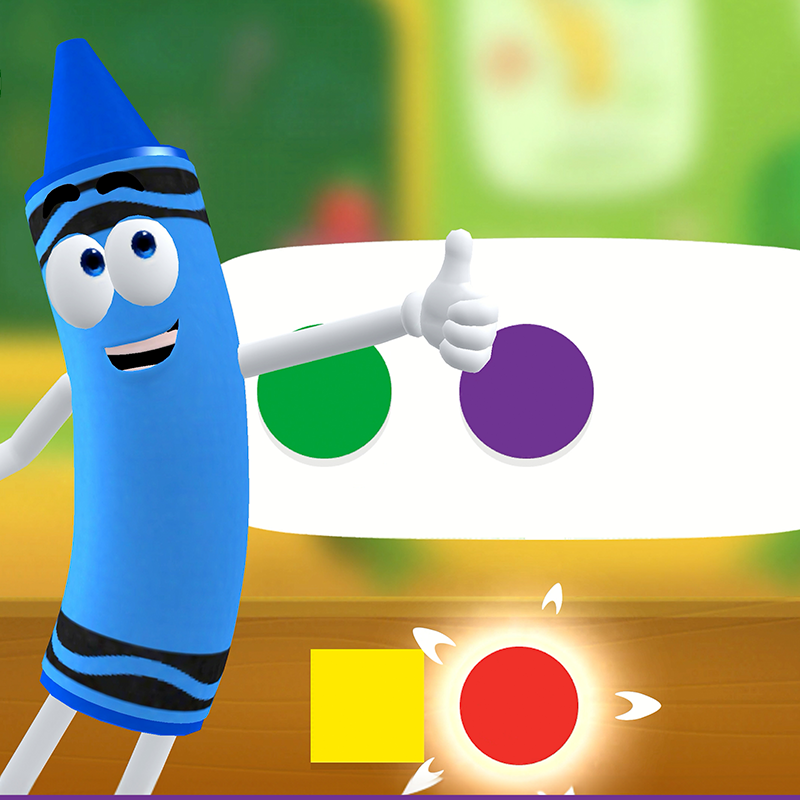
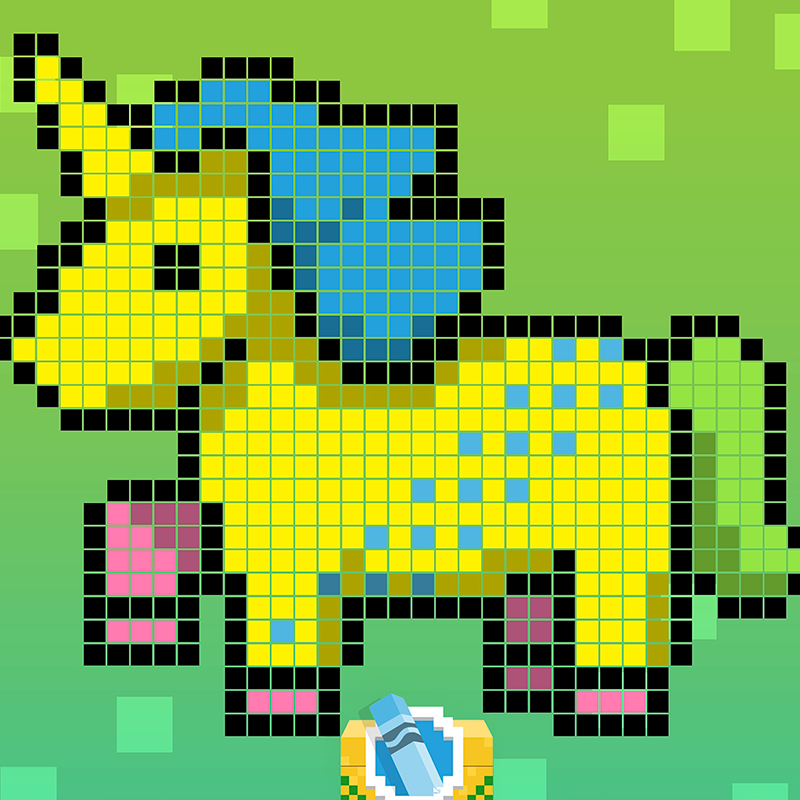
Crayola Create and Play
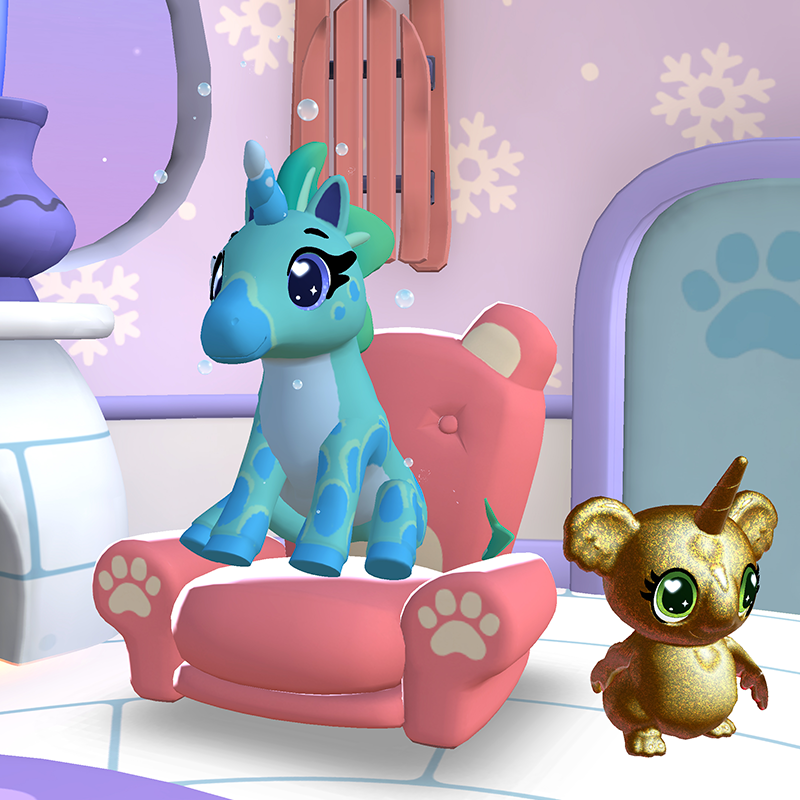
Explore creative worlds filled with art, crafts, learning games, activities, and discovery. An Apple Editors' Choice winner and over 15x Apple App of the Day.
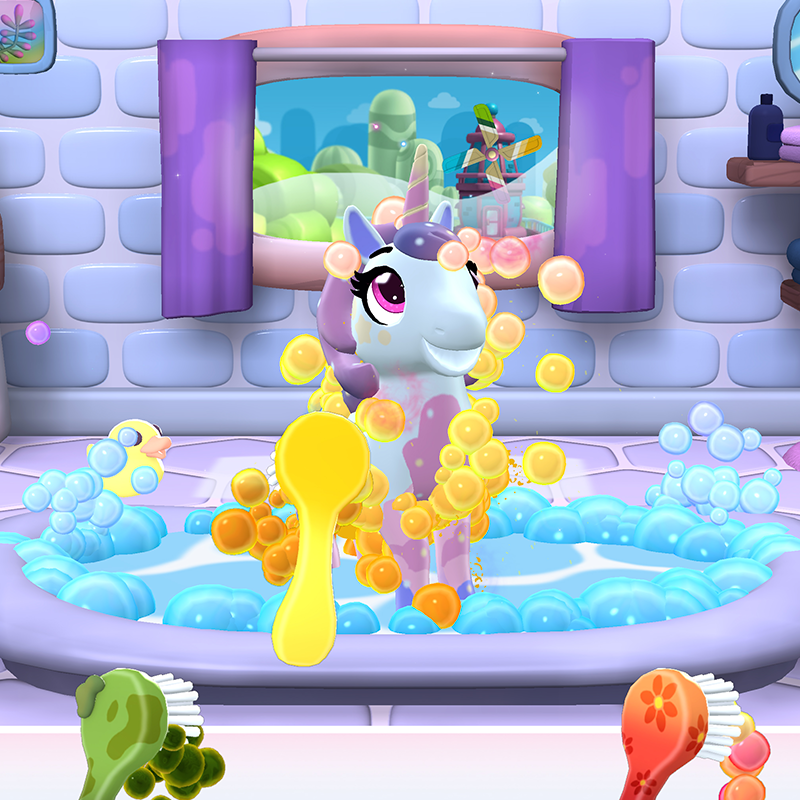
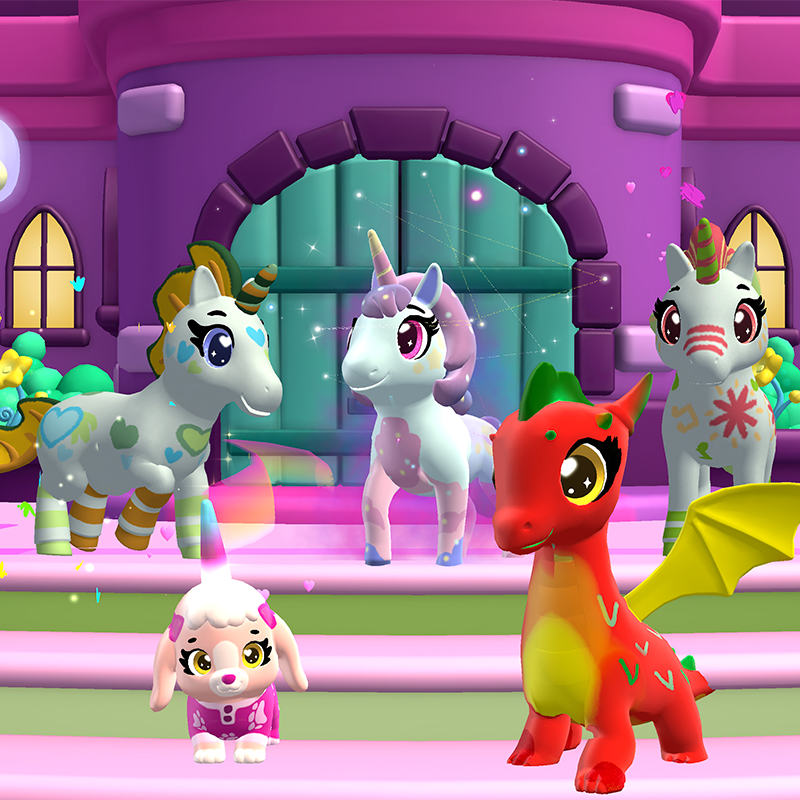
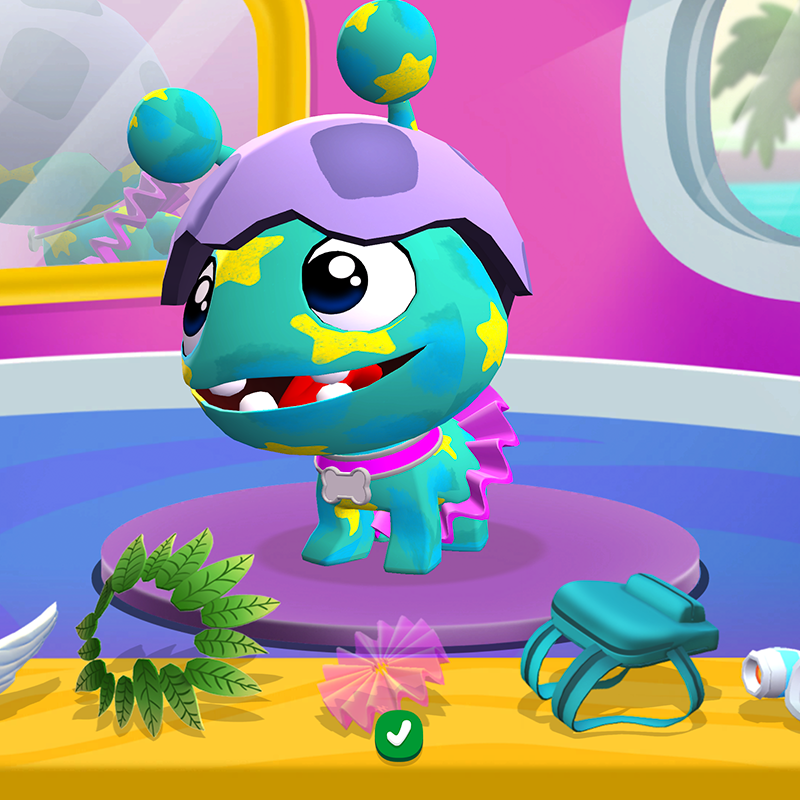
Crayola Scribble Scrubbie
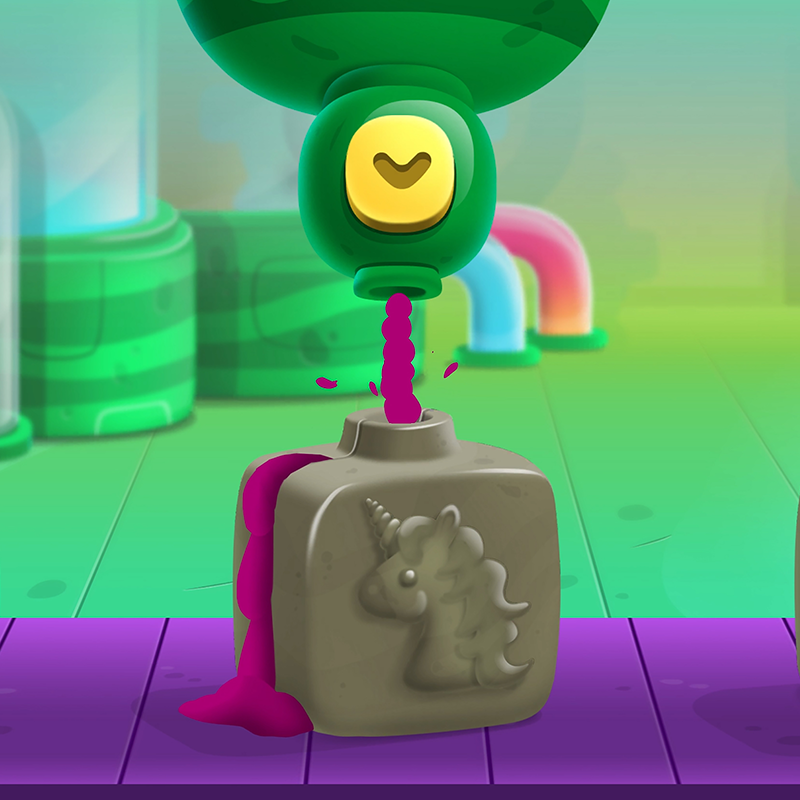
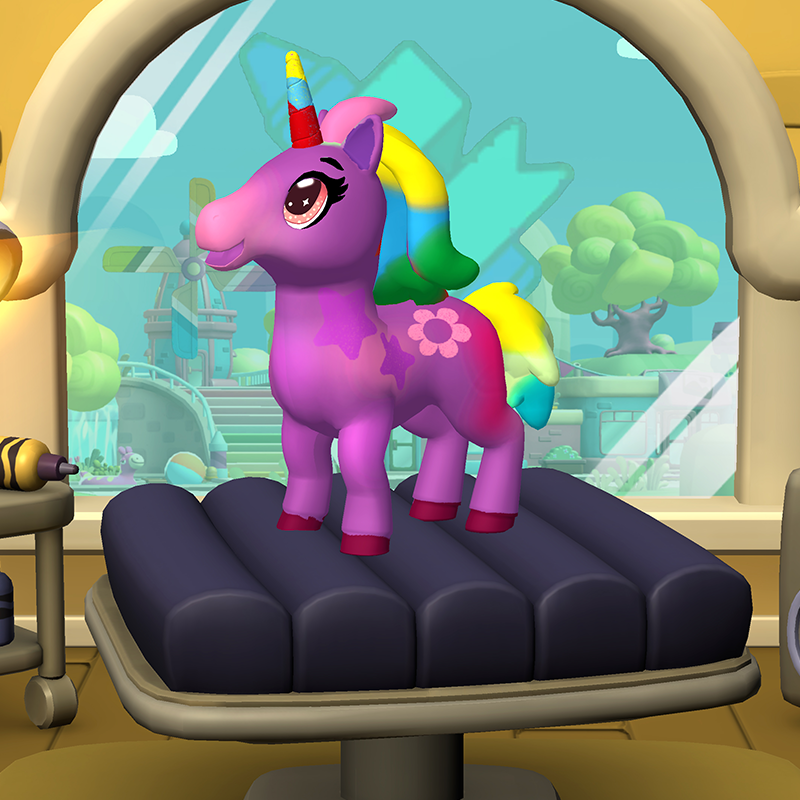
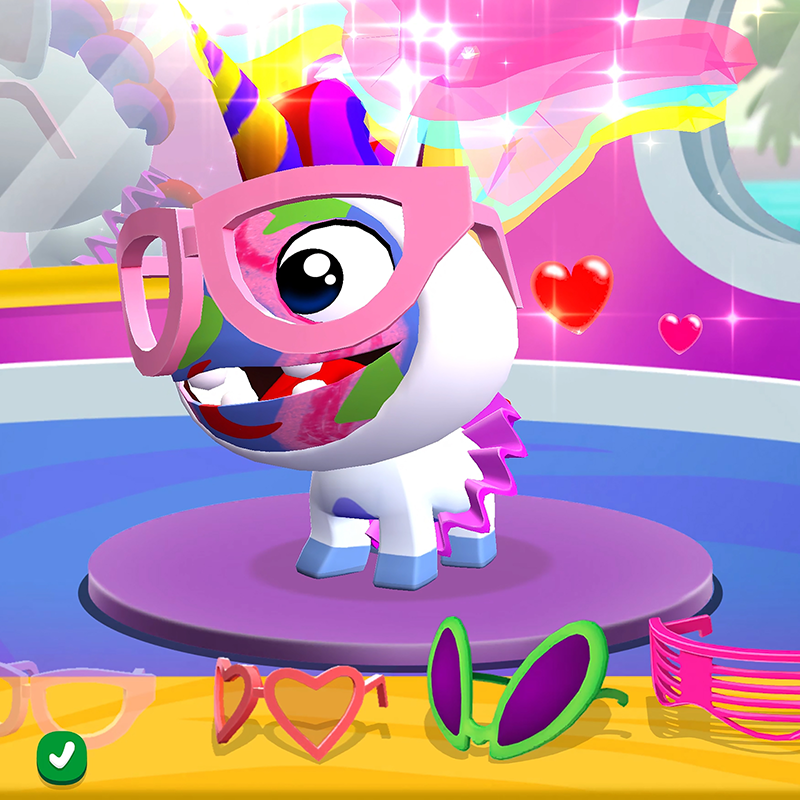
Color, wash, collect, and care for 100+ adorable pets inspired by Crayola's #1-selling Scribble Scrubbie Pets toy. An Apple Editors' Choice winner and over 12x Apple App of the Day.
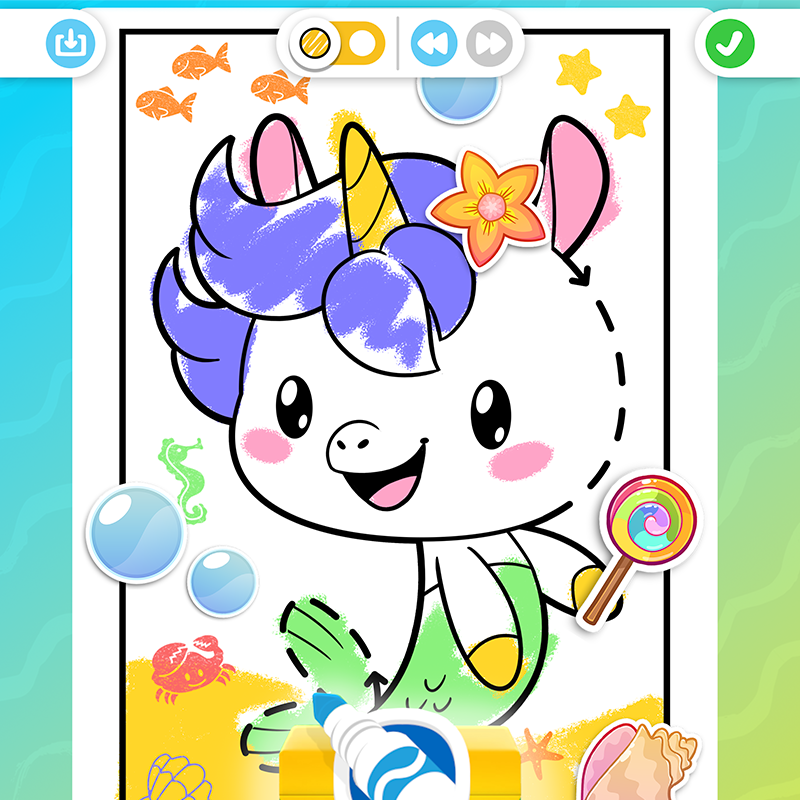
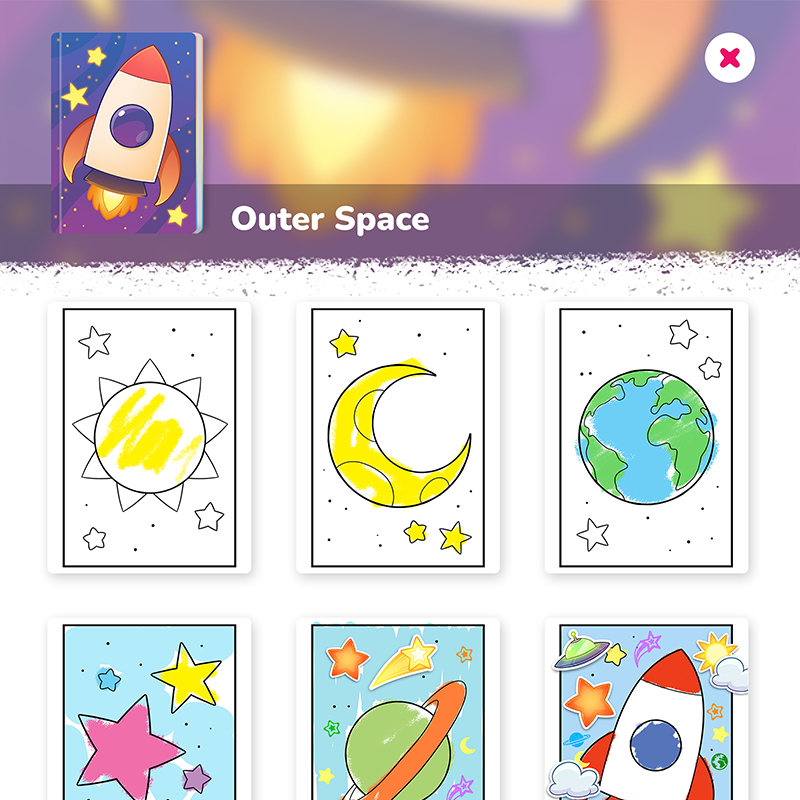
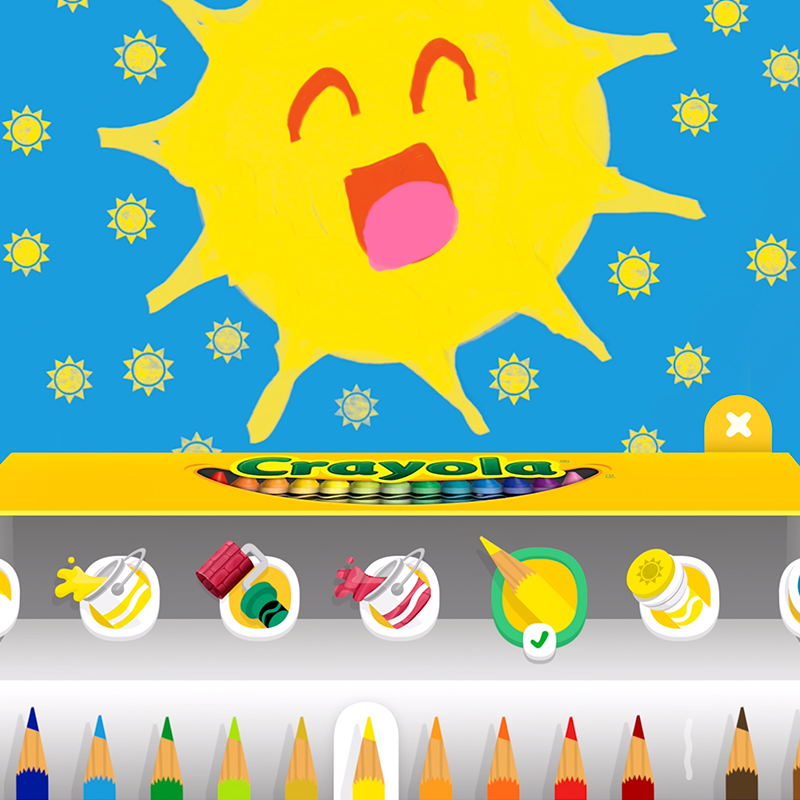
Crayola Kids Coloring
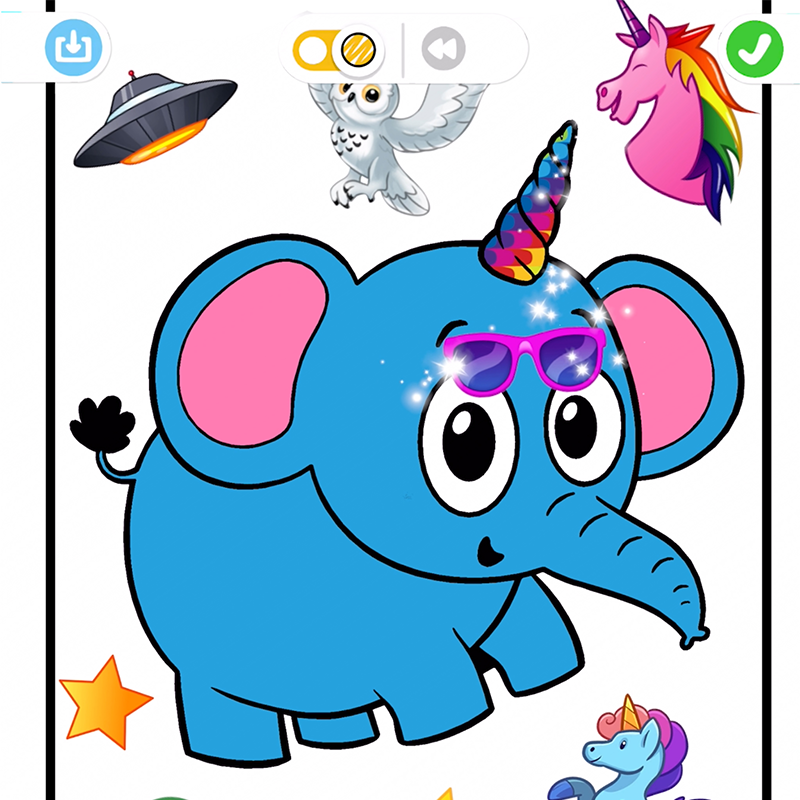
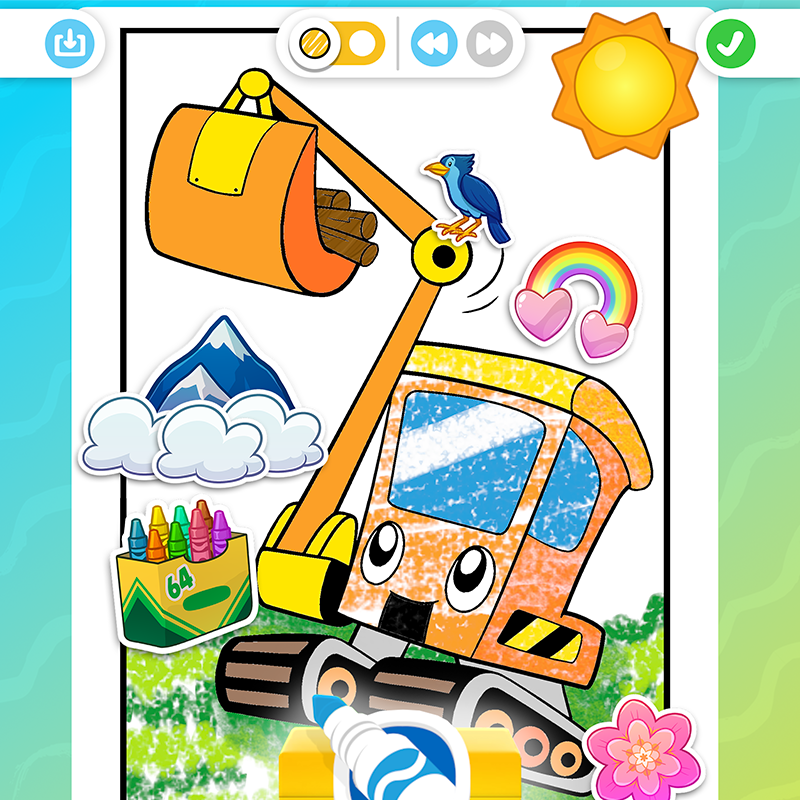
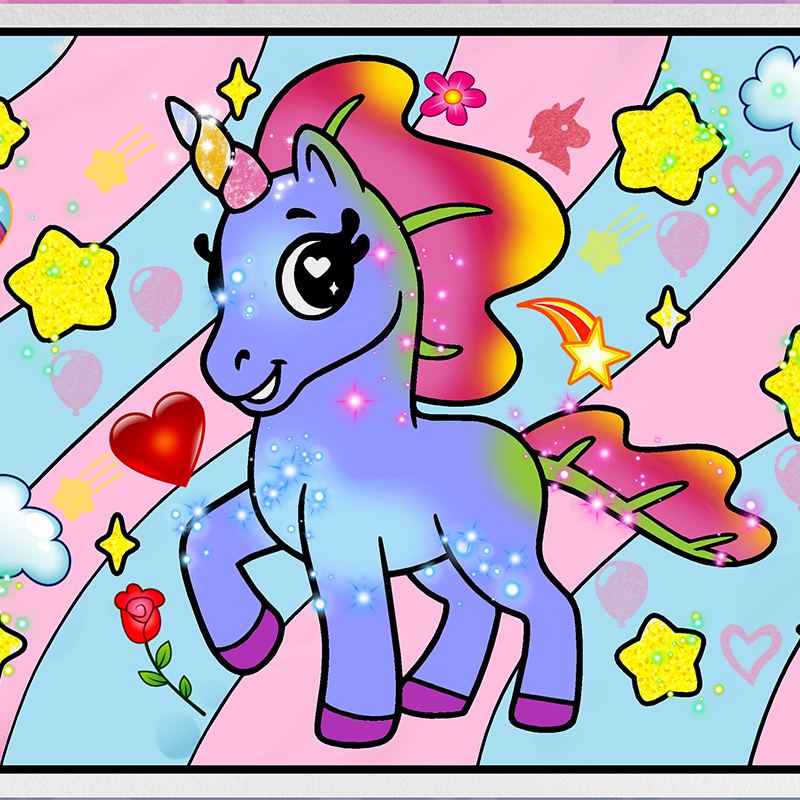
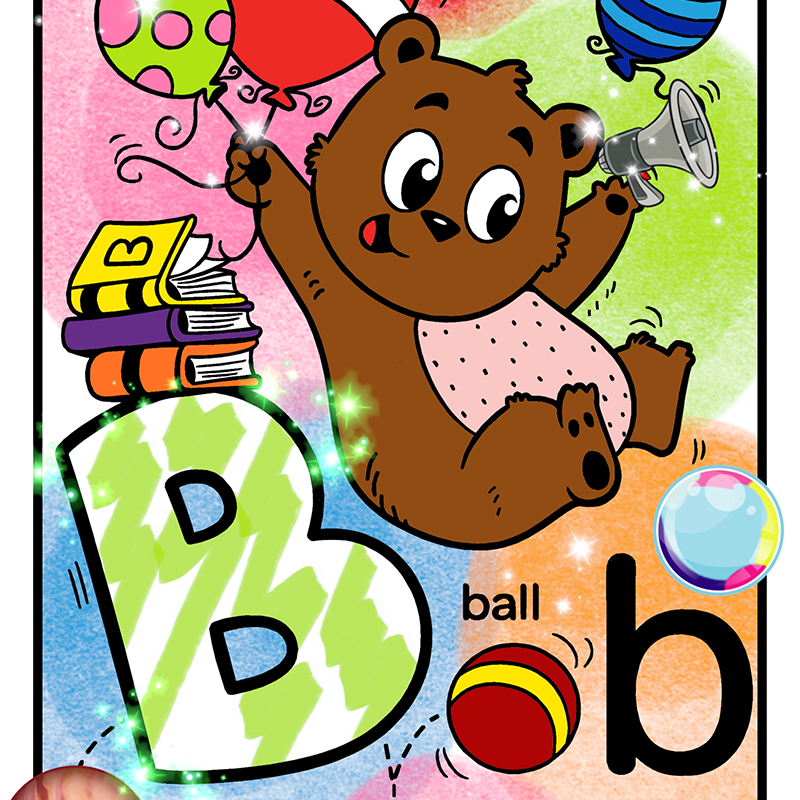
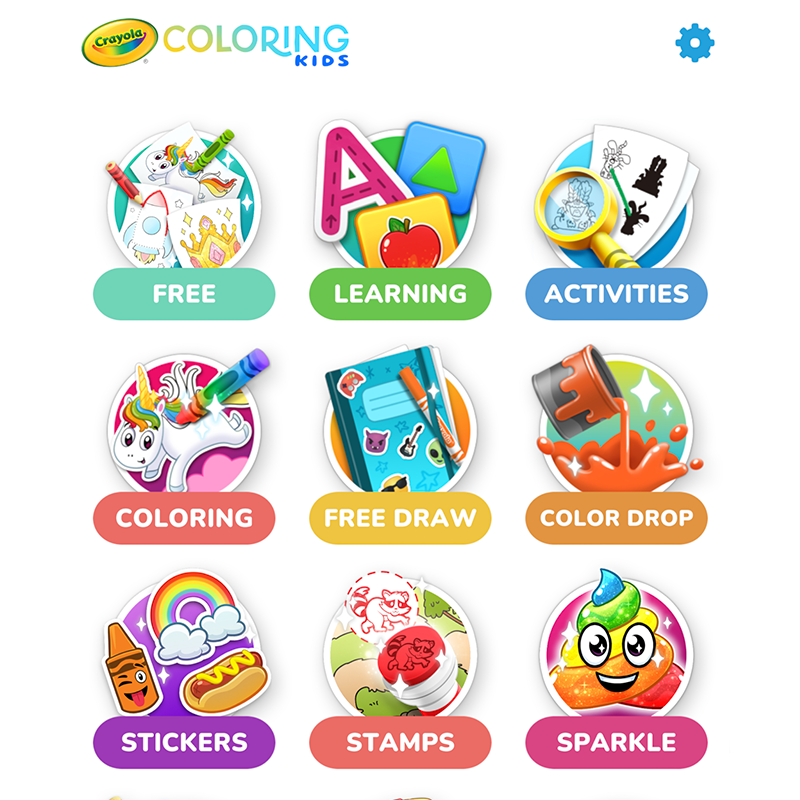
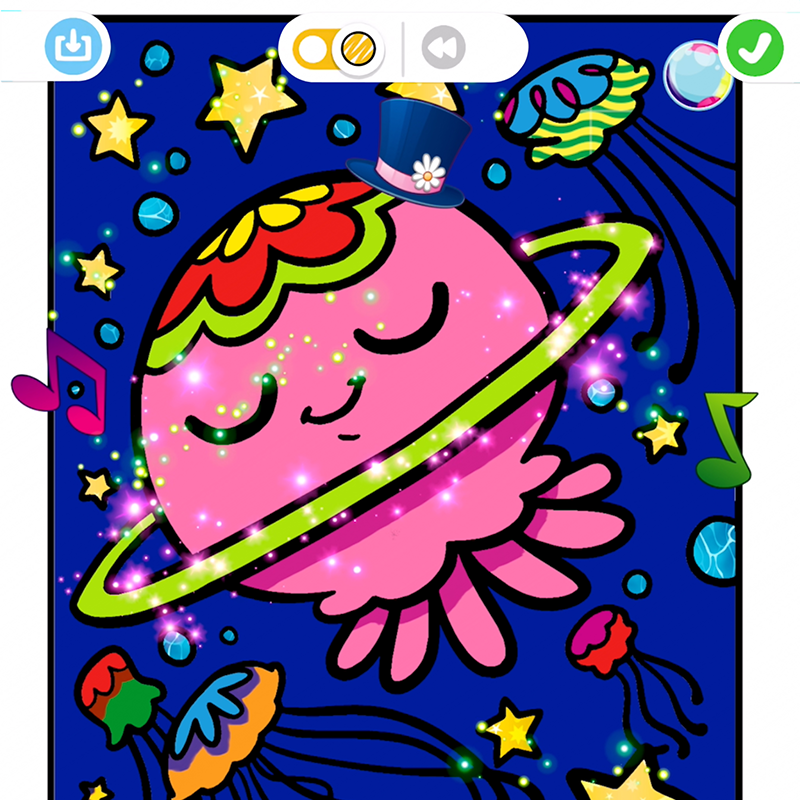
Bring hundreds of coloring pages to life with classic Crayola art tools, stickers, stamps, and magical effects-all while practicing colors, shapes, letters, numbers, and more.
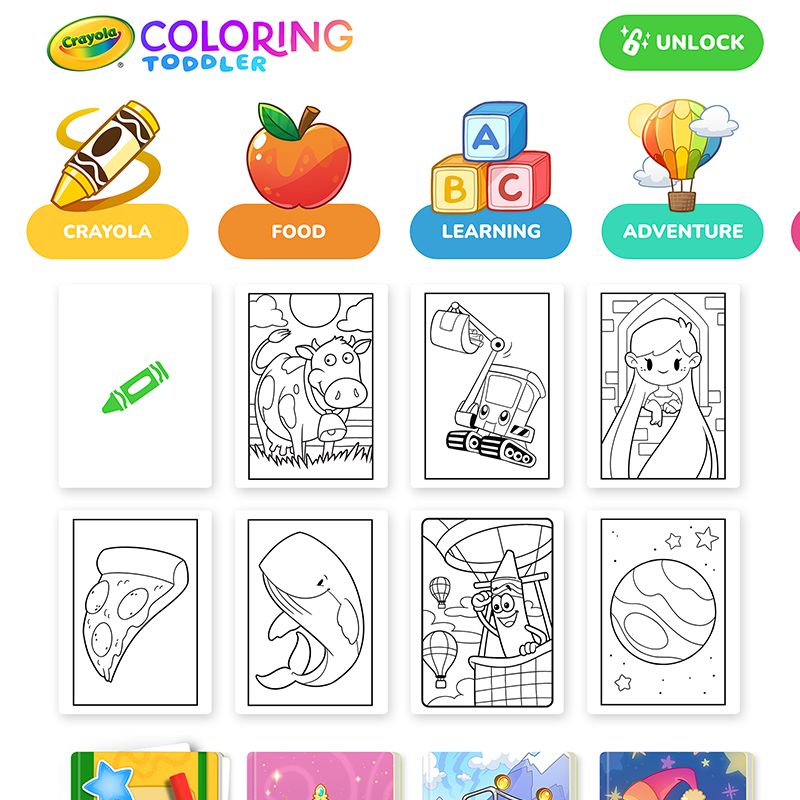
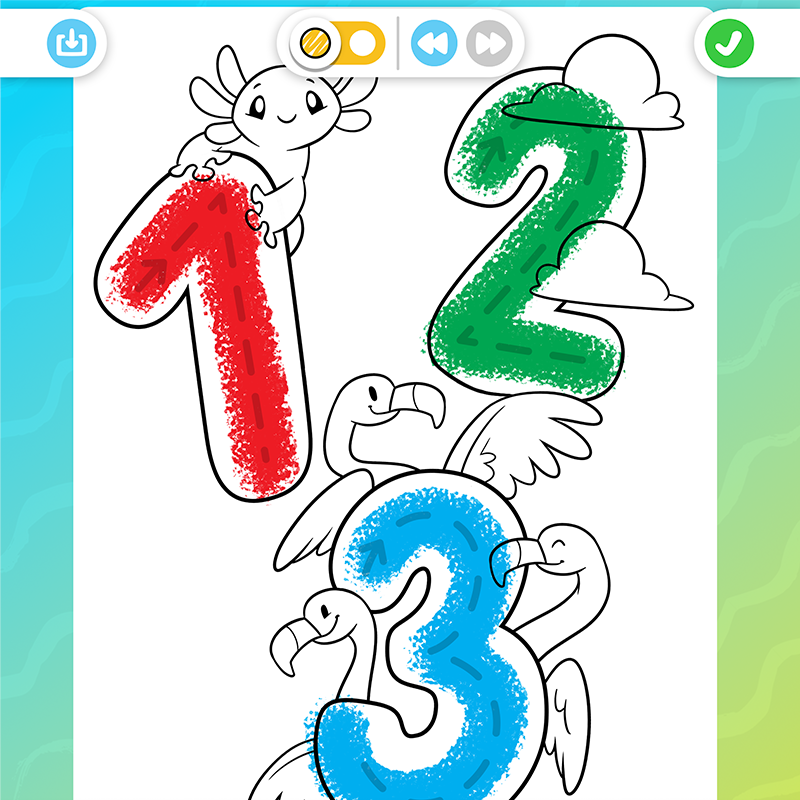
Crayola Toddler Coloring
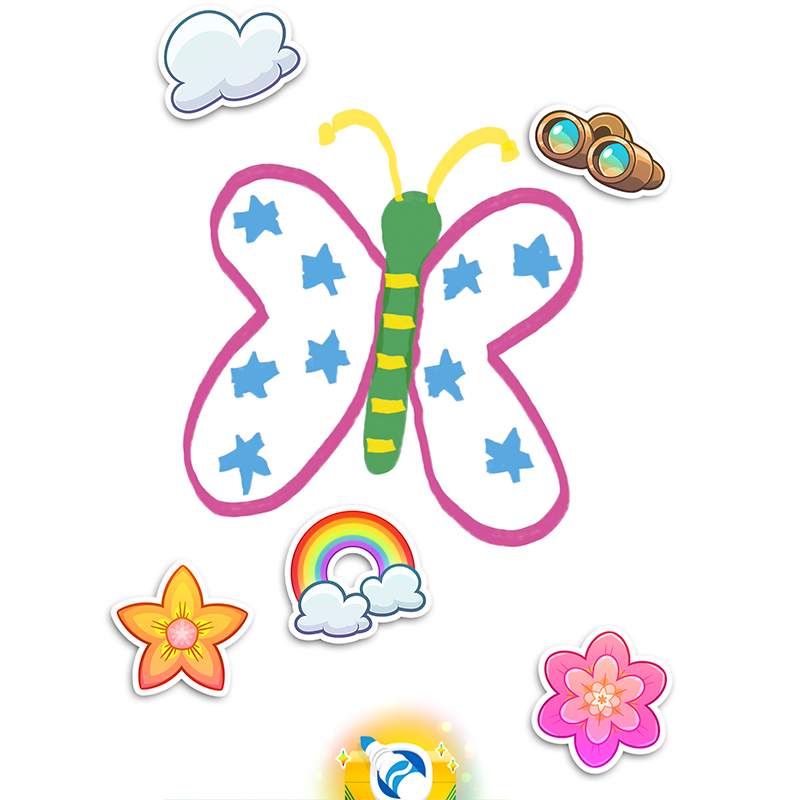
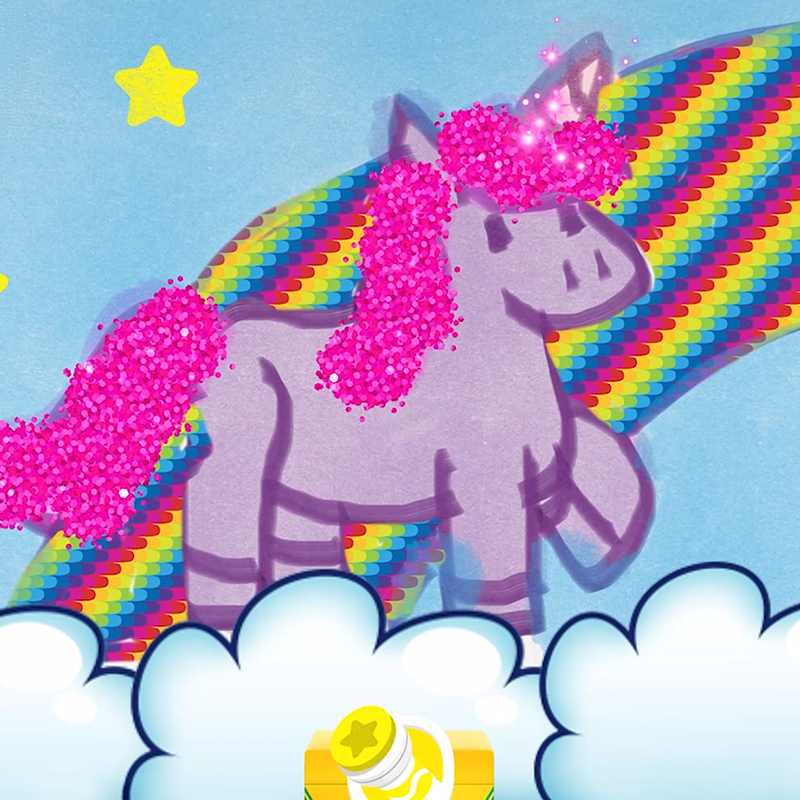
Help your little one take their first steps into coloring, drawing, and self-expression. With big buttons, bright colors, and pages for all interests, your child can color freely without rules or limits.
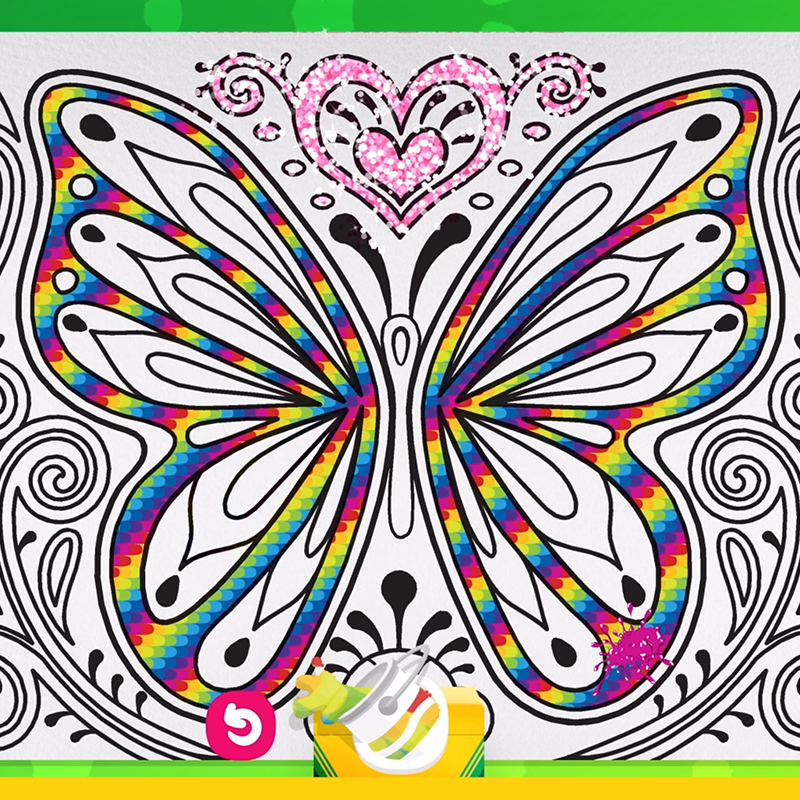
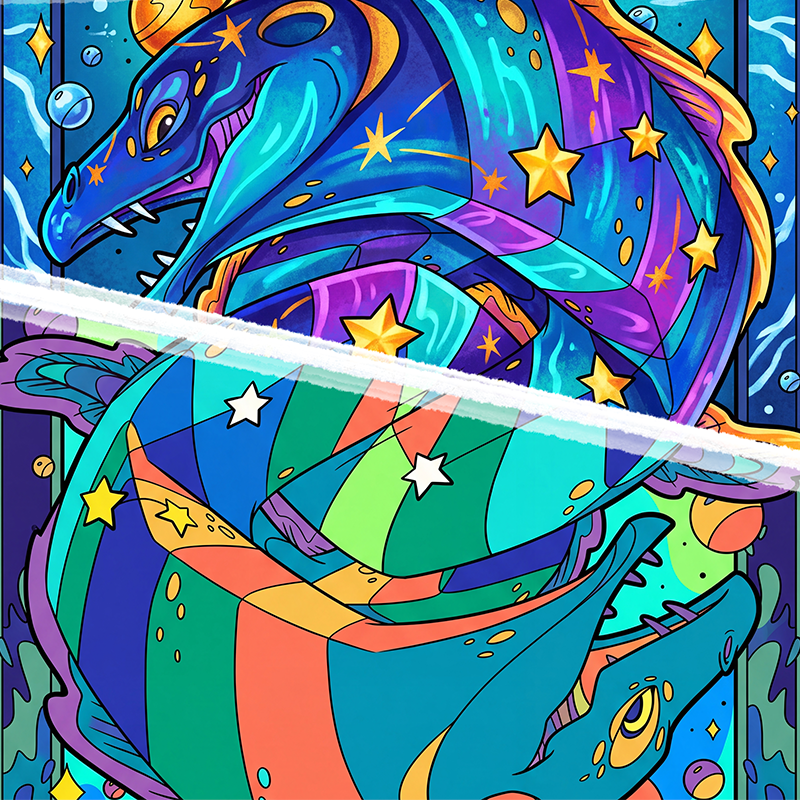
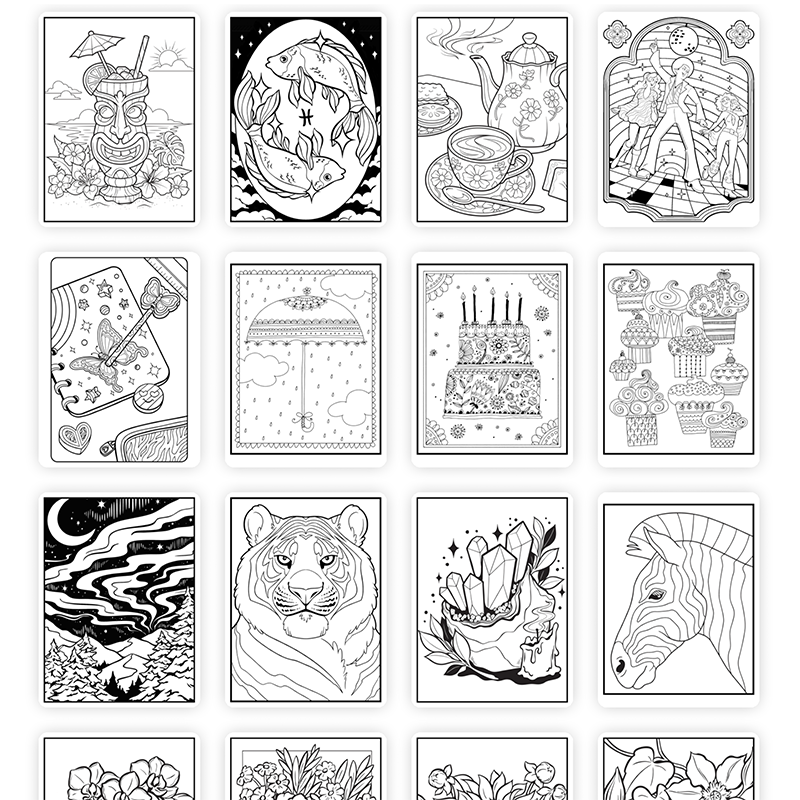
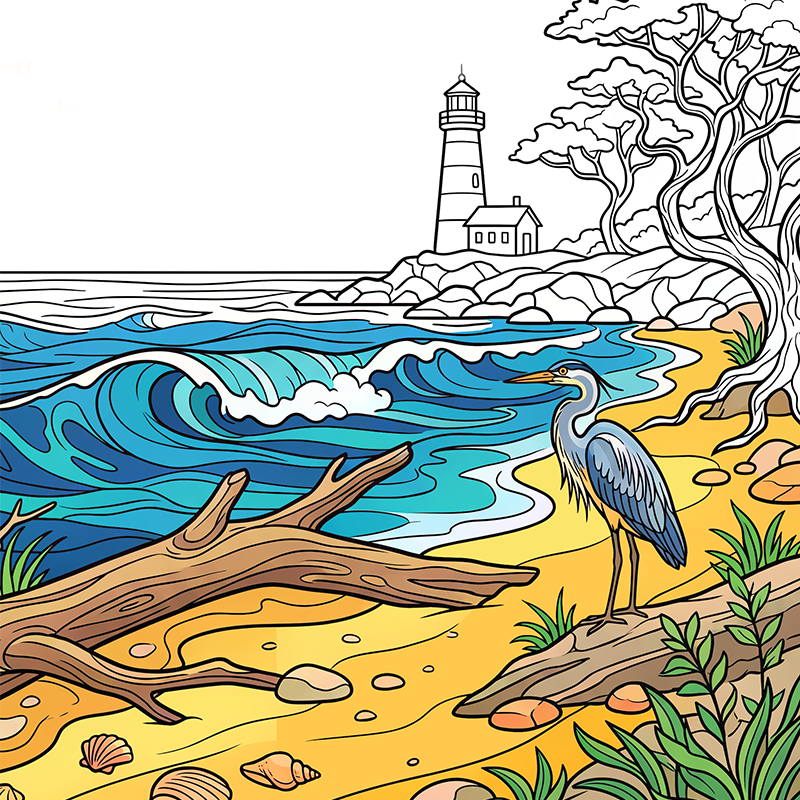
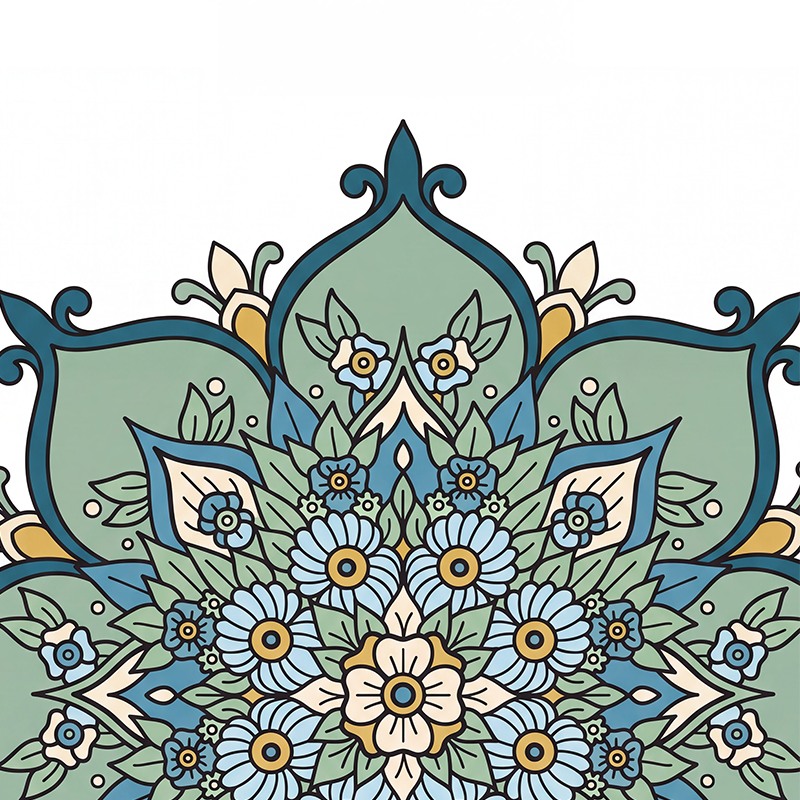
Crayola Adult Coloring
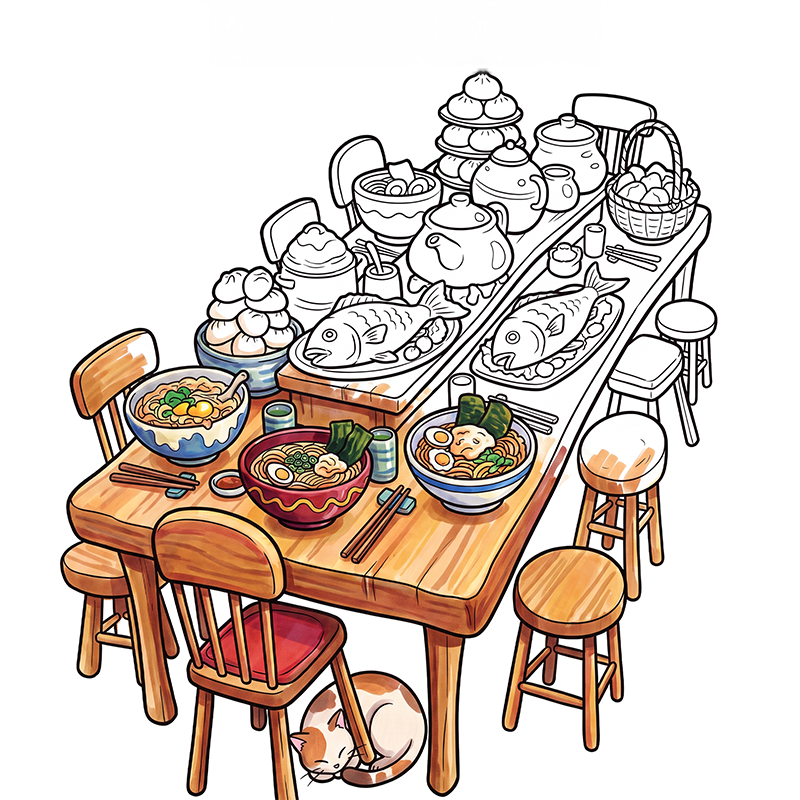
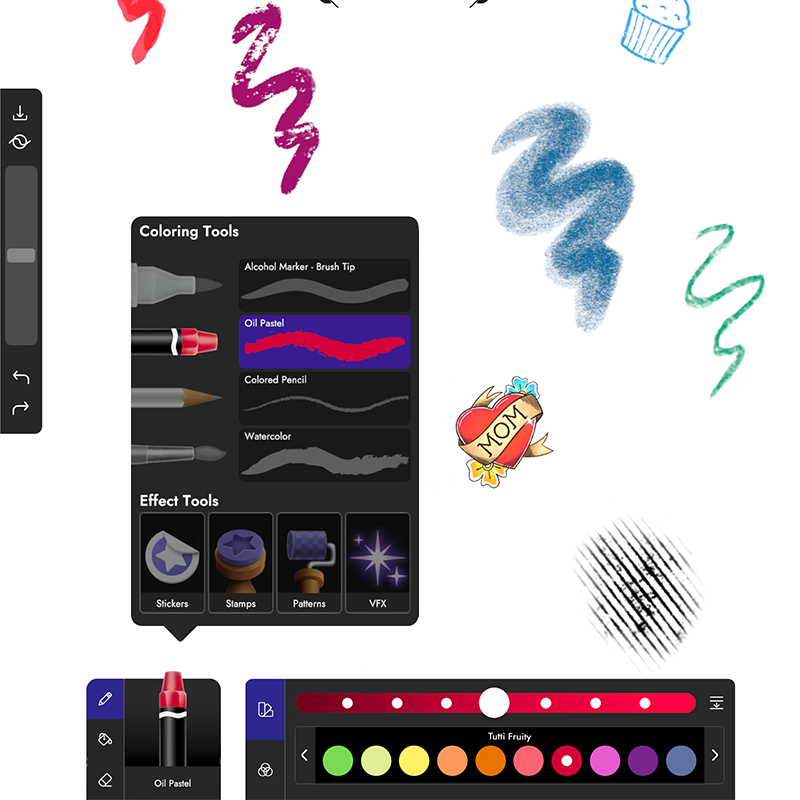
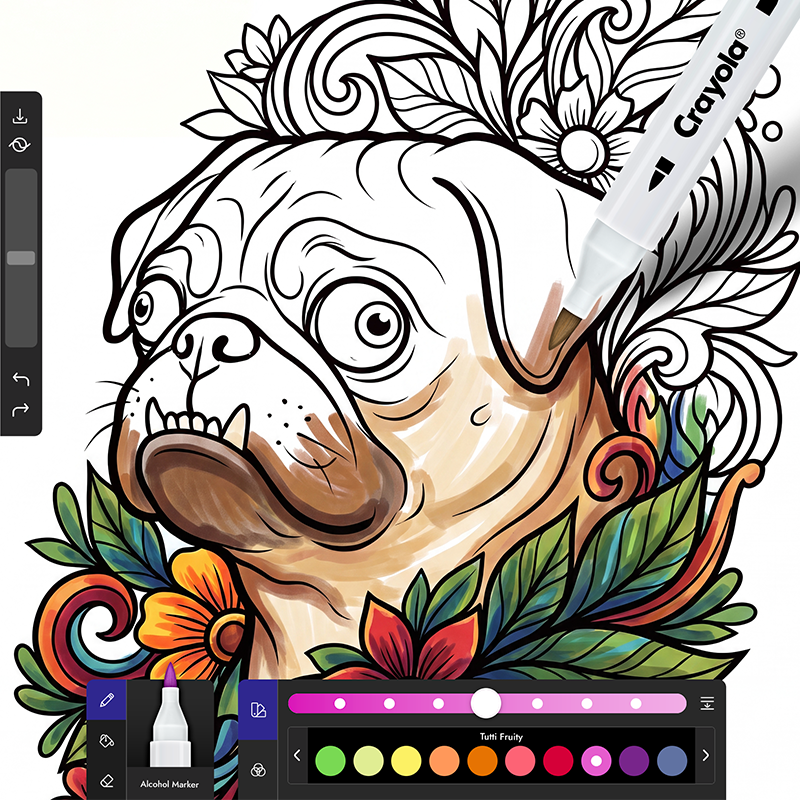
Relax, recharge and unwind with hundreds of detailed coloring pages and premium Crayola art tools designed for calm, focus, and creative self-expression.
Creative favorites for every family.
From playful discovery to relaxing coloring, families keep coming back to Crayola apps.
This app is beautiful and so well developed, I'm very impressed. The animals are adorable and the animation is precious!
The quality of the art tools is the best! Realistic calming sound effects are also extremely nice, the content is great, overall just an excellent app.
This is such a great way to turn off your brain and zen out!
Create & Play has been a wonderful activity for my little girl. Seeing her explore her creativity brings me so much joy.
Son and daughter both love. As an adult I even had fun playing this with the kids.
I picked this game up for my 3 1/2-year-old thinking that it was just another game... Boy how wrong I was. This game is nothing short of fantastic! I was thinking that it was just a coloring book app but it has so many games!
Our Apps Have Been Featured In
Please choose whether you are an adult or a child.